
Vehicles that are not included in Covet's vast vehicle databases, can be cataloged and protected through manual entry of the vehicle information. It takes a little longer than Covet's AI-assisted process, but when completed is just as effective over the long term.
To enter a vehicle manually, click the add physical asset button at the top righthand corner of your Covet Dashboard.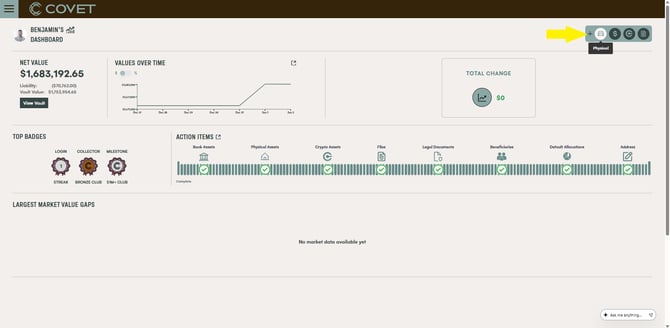
Then select vehicle from the asset types
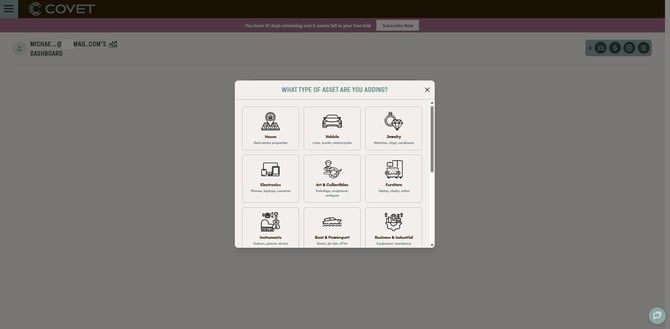
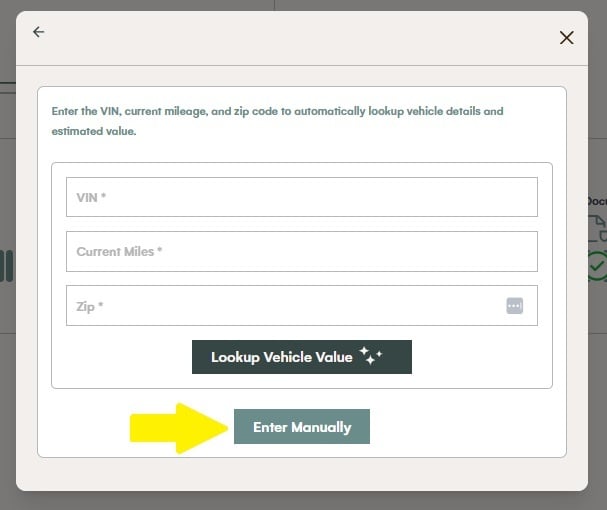
Then click Enter Manually
Then complete the information required
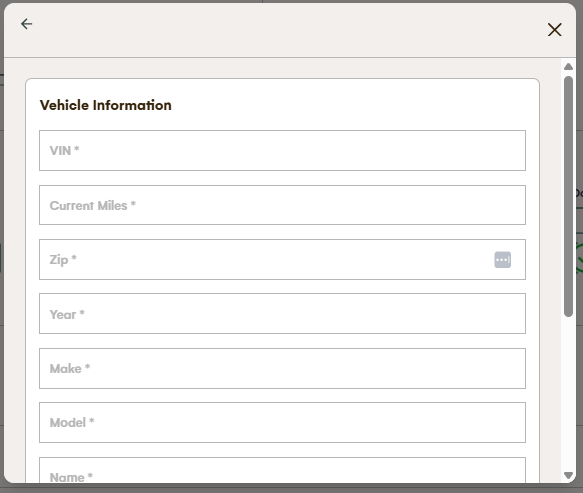
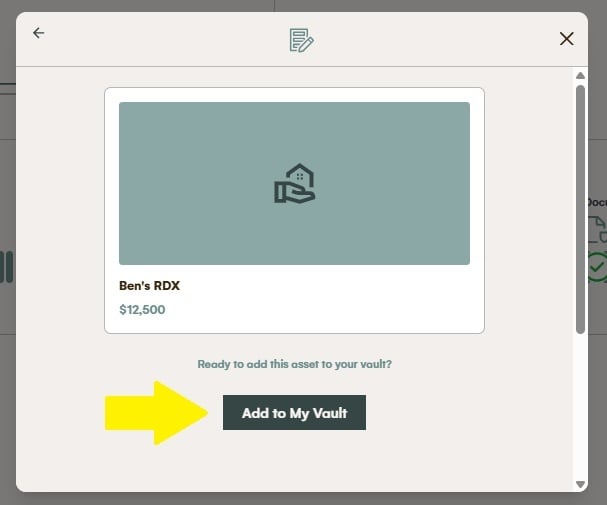
Then add it to your vault.
See also articles "Why doesn't Covet return a value for my vehicle?" and "What kind of information should I capture about my vehicle?"
Also see "How do I enter a physical asset in Covet?"